


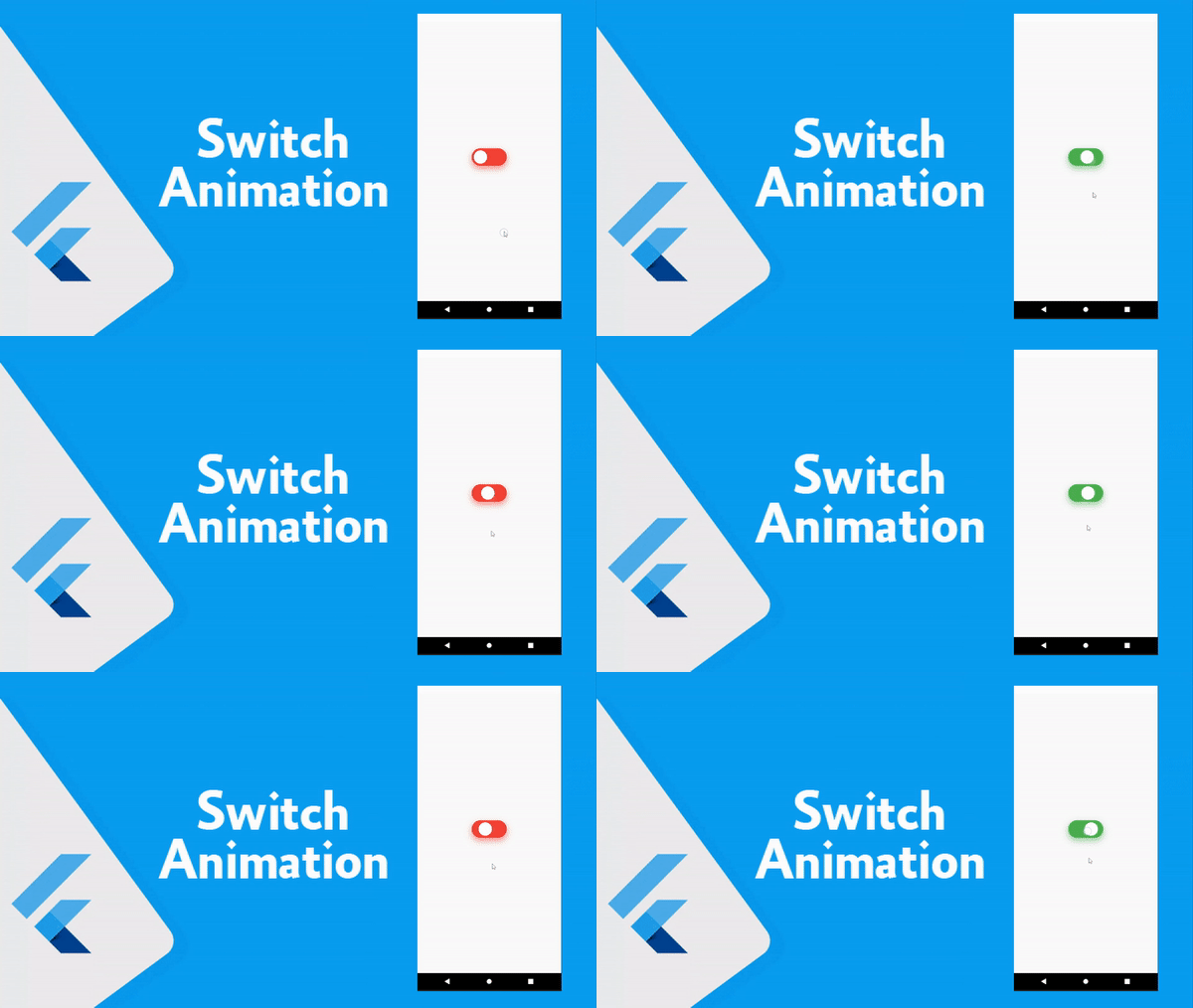
تصميم Switch animation في Flutter مع تغيير اللون والحركه
استكمالا لسلسلة دروس الانميشن في فلاتر نقدم لكم اليوم انميشن للسويتش حيث سوف نقوم بتغيير حالة ال Switch من ايجابي لسلبي او تشغيل و ايقاف التشغيل من خلال النقر عليها من التطبيق الخاص بنا والامر بسيط جدا يمكنك نسخ الكود الذي يوجد بالاسفل وهذا كافي جدا حتى تستطيع التعامل مع الاكواد بشكل بسيط وتستطيع التحكم في سرعة الانميشن والالوان وغيرها اذا اردت ذلك حتى تحصل في النهايه على الشكل الذي ترغب به في تطبيقك وايضا في موقعك اذا كان لديك موقع اليكتروني .
How to create animation switch in Flutter project
استخدم الكود التالي حتى تحصل على الشكل النهائي في تطبيقك لتنفيذ الانميشن لتحريك الانميشن وهو عباره عن دائره بيضاء تتحرك في اليمين او اليسار مع تغيير اللون يمكنك استبدالها بصورة على سبيل المثال او عمل اي انميشن اخر عليها حتى تحصل في النهايه على الشكل الذي ترغب به والشكل المناسب لتطبيقك والوان التطبيق الذي تعمل عليه في Flutter بشكل بسيط جدا وكل موجود تستطيع تغيره من خلال animationController .

switch.dart
class MyMobileBody extends StatefulWidget {
  const MyMobileBody({Key? key}) : super(key: key);

  @override
  State<MyMobileBody> createState() => _MyMobileBodyState();
}

class _MyMobileBodyState extends State<MyMobileBody> with TickerProviderStateMixin{
  bool isChecked = false;
  Duration _duration = Duration(milliseconds: 370);
  late Animation<Alignment> _animation;
  late AnimationController _animationController;

  @override
  void initState() {
    super.initState();
    _animationController =
        AnimationController(vsync: this, duration: _duration);
    _animation =
        AlignmentTween(begin: Alignment.centerLeft, end: Alignment.centerRight)
            .animate(
          CurvedAnimation(
            parent: _animationController,
            curve: Curves.easeOut,
            reverseCurve: Curves.easeIn,
          ),
        );
  }

  @override
  void dispose() {
    _animationController.dispose();
    super.dispose();
  }

  @override
  Widget build(BuildContext context) {
    return Scaffold(
      body: Center(
        child: AnimatedBuilder(
          animation: _animationController,
          builder: (context, child) {
            return Center(
              child: InkWell(
                splashColor: Colors.transparent,
                highlightColor: Colors.transparent,
                onTap: () {
                  setState(
                        () {
                      if (_animationController.isCompleted) {
                        _animationController.reverse();
                      } else {
                        _animationController.forward();
                      }
                      isChecked = !isChecked;
                    },
                  );
                },
                child: Container(
                  width: 100,
                  height: 50,
                  padding: EdgeInsets.fromLTRB(0, 6, 0, 6),
                  decoration: BoxDecoration(
                    color: isChecked ? Colors.green : Colors.red,
                    borderRadius: BorderRadius.all(
                      Radius.circular(99),
                    ),
                    boxShadow: [
                      BoxShadow(
                        color: isChecked
                            ? Colors.green.withOpacity(0.6)
                            : Colors.red.withOpacity(0.6),
                        blurRadius: 15,
                        offset: Offset(0, 8),
                      )
                    ],
                  ),
                  child: Stack(
                    children: [
                      Align(
                        alignment: _animation.value,
                        child: GestureDetector(
                          onTap: () {
                            setState(
                                  () {
                                if (_animationController.isCompleted) {
                                  _animationController.reverse();
                                } else {
                                  _animationController.forward();
                                }
                                isChecked = !isChecked;
                              },
                            );
                          },
                          child: Container(
                            width: 50,
                            height: 50,
                            decoration: BoxDecoration(
                              shape: BoxShape.circle,
                              color: Colors.white,
                            ),
                          ),
                        ),
                      ),
                    ],
                  ),
                ),
              ),
            );
          },
        ),
      ),
    );
  }

}


